
Hunt smarter.
Play longer.
WrkBot is a complete bot that runs inside your OTClient: healing, targeting, cavebot, auto explore, 360+ ready-made scripts and an external control panel — all in one place.

Everything you need to hunt
Built from the ground up for OTClient, with the tools players already know from MageBot, ElfBot and vBot.
Healing & protection
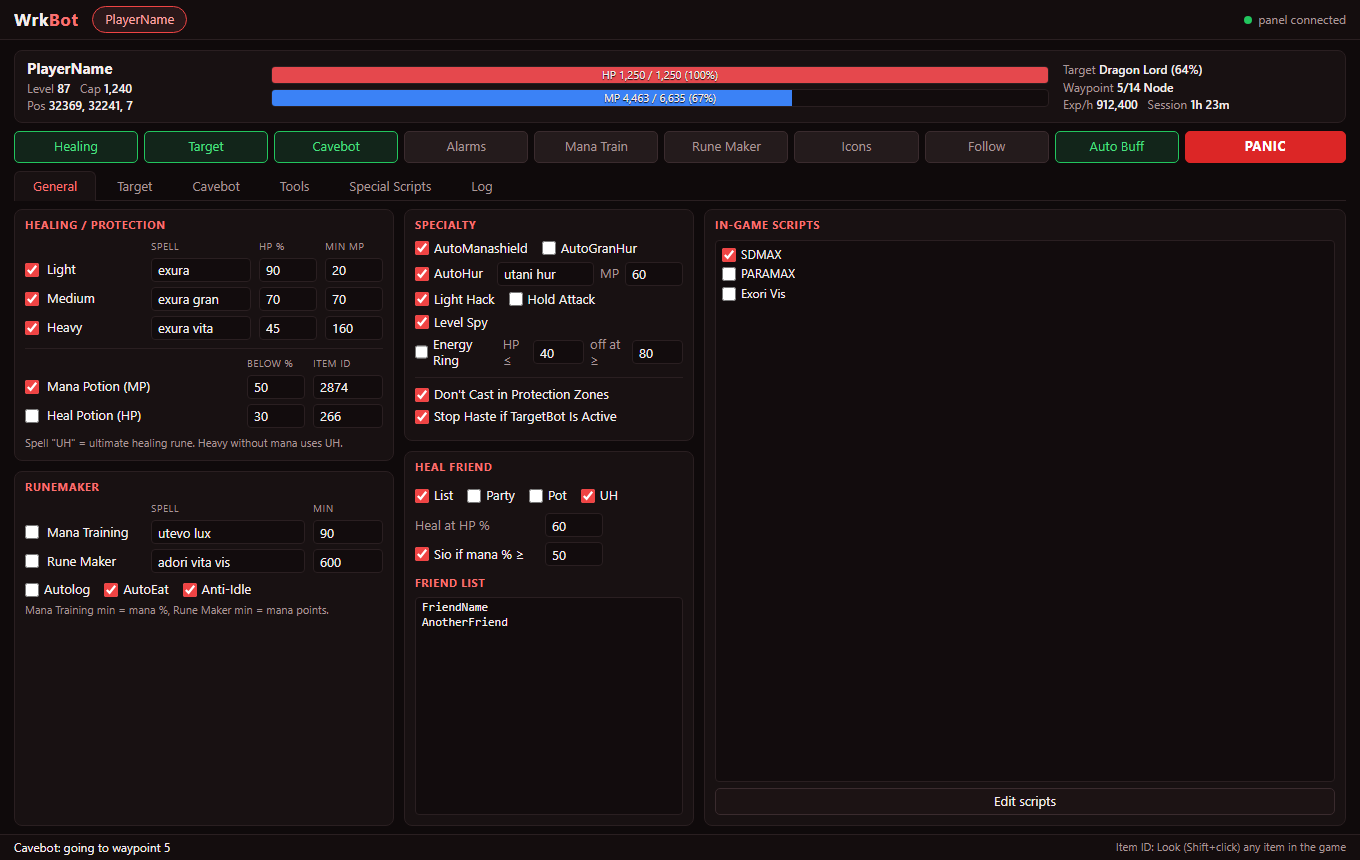
Light, medium and heavy heals, mana and health potions, UH runes, auto mana shield, haste, energy ring and Heal Friend for your party.
Targeting
Per-monster settings, 17 stances, rune ID and custom spell per monster, wave and beam dodge, and Circle to walk around your target without luring more.
Cavebot
Stand, node, walk, rope, ladder, shovel and lure waypoints, labels, action scripts, looting, refill, hotkeys and saved hunts.
Auto explore
Explores the map by itself, changes floors through stairs, holes, ladders and rope spots, and can record the path as cavebot waypoints.
Special Scripts
A searchable library of 360+ Lua scripts — alarms, refills, runemaking, anti-push and more. Edit any script right in the panel, or paste your own.
External panel
Control everything from the WrkBot desktop panel while you play: live HP/MP, target, waypoints, exp per hour and one-click PANIC.
Clean, fast and built for long hunts
The same settings live in the game window (Ctrl+Shift+W) and in the external panel — change one and the other follows.
One installer, every server
WrkBot Setup finds your game clients and installs the bot and the desktop panel in one click. It stays locked until you activate a key.
WrkBot Setup
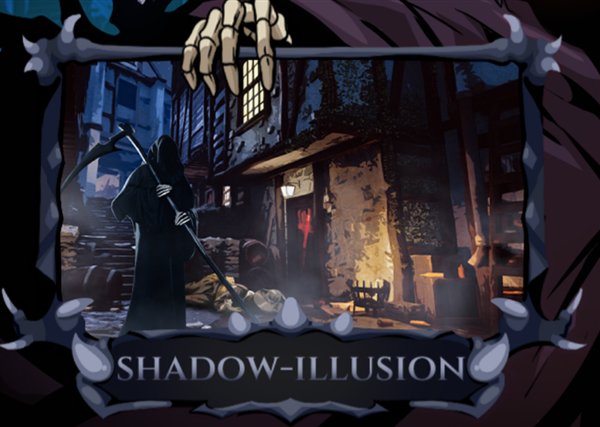
- Choose Realera, Shadow Illusion or both — it detects the clients on your PC
- Paste your key during setup or later in the game
- Desktop panel and uninstaller included, no admin rights needed
Ready in two minutes
Get the client
Install the game client from realera.org or shadow-illusion.com and open it once.
Run WrkBot Setup
Close the game, open WrkBot-Setup.exe, pick your servers and press Install. The panel shortcut appears on your desktop.
Get your key
Message us on WhatsApp and we send you a key like WRK-XXXX-XXXX-XXXX.
Activate & play
Log in, press Ctrl+Shift+W, paste the key and press Activate — or paste it during setup.
Keys by the day
Choose how long you want to play. Days start counting the first time you activate the key, and you can add more days any time — no need to reinstall.
Questions
Can I use WrkBot without a key?
No. The bot is downloaded locked and only opens after you activate a valid key. You can download and install it freely, but it will not run until you activate it.
How do I get a key?
Send us a message on WhatsApp (+52 1 668 194 1363). We create your key and you paste it in the game with Ctrl+Shift+W → Activate.
When do the days start?
The first time you activate the key. You can check the days left in the WrkBot panel, and the game reminds you when 3 days or less are left.
Can I use my key on two PCs?
A key works on the PC where you activate it first. If you change your computer, message us and we move it to the new one.
Does it need internet?
Yes, to activate and to check the license once per hour. If your internet drops, WrkBot keeps working for up to 24 hours.
How do I add more days?
Ask us on WhatsApp. We add the days to your same key — you don't need to change anything.
How do I update WrkBot?
Download the latest WrkBot Setup from this page and run it again. Your settings, hunts and key are kept.
Windows says the file is unusual. Is it safe?
Yes. WrkBot is new, so Windows SmartScreen and some browsers don't know it yet and may ask you to confirm. Choose Keep / More info → Run anyway. You can check the file on VirusTotal yourself.
How do I uninstall it?
Windows Settings → Apps → WrkBot → Uninstall. Your key and character settings stay in case you install it again.
Your next hunt runs itself
Download WrkBot, message us for a key and you are hunting in minutes.
Chat on WhatsApp